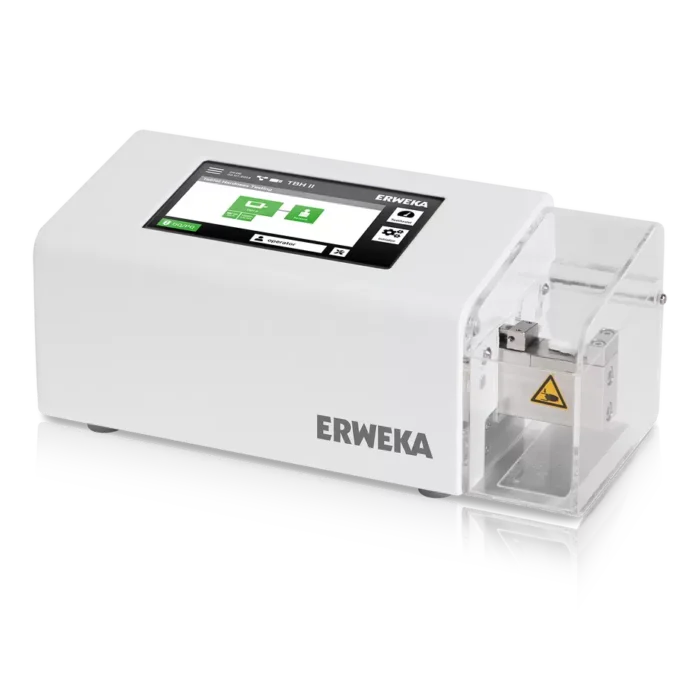
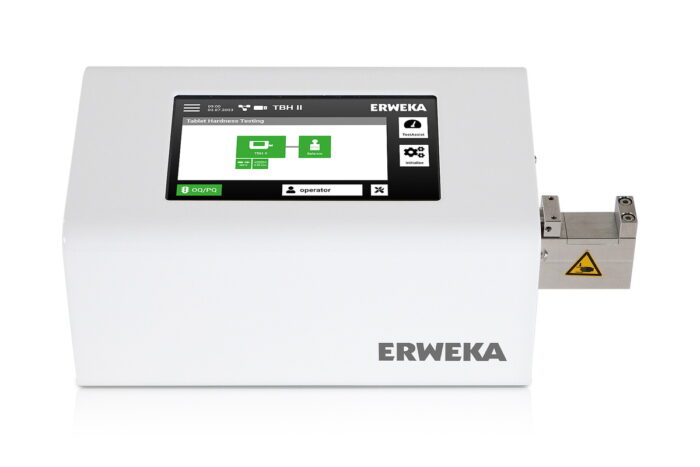
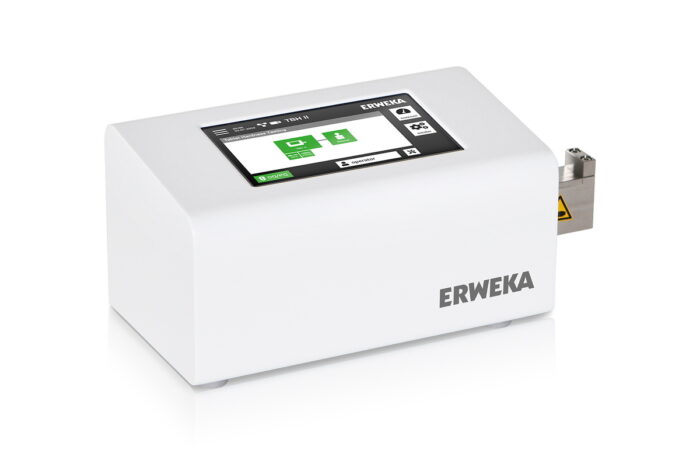
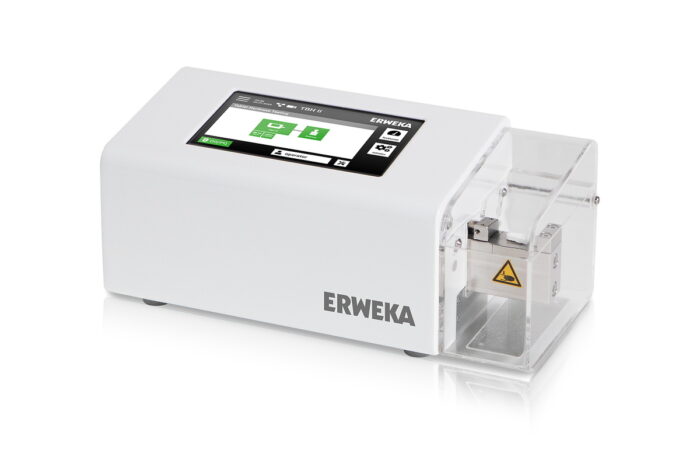
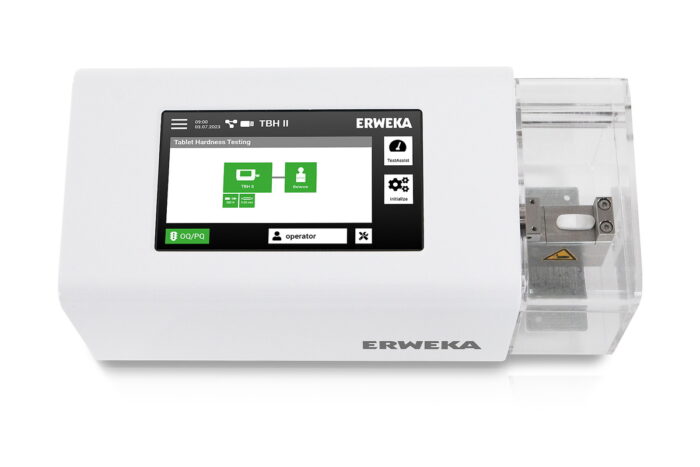
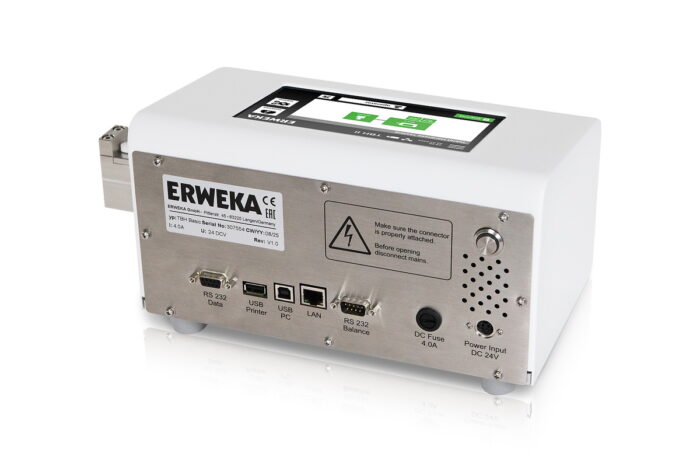
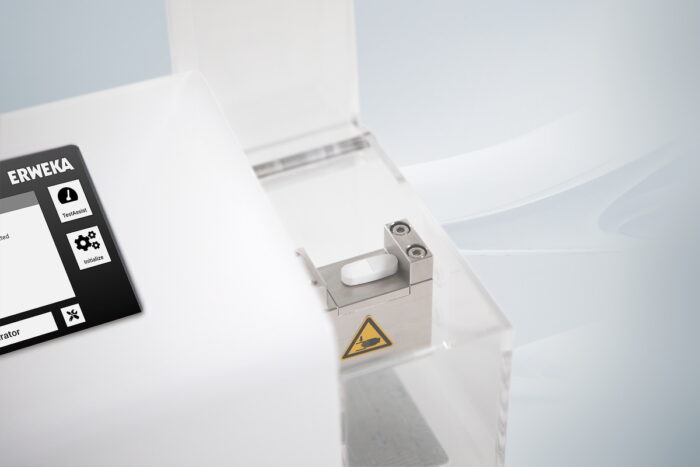
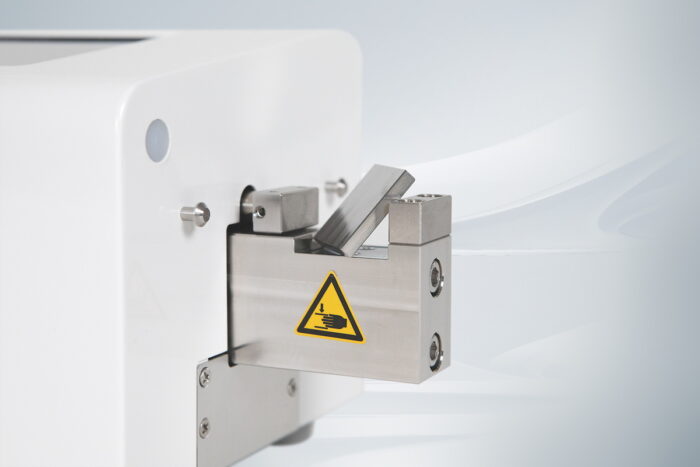
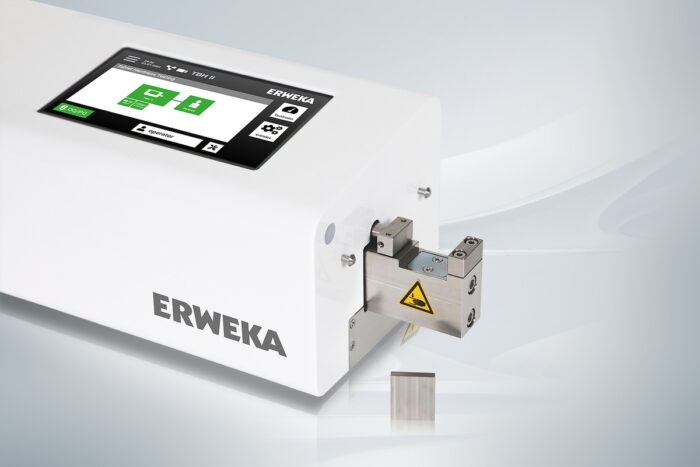
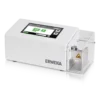
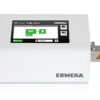
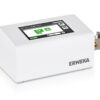
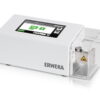
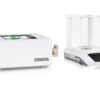
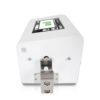
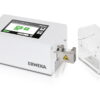
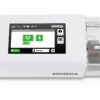
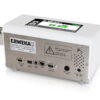
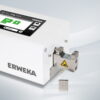
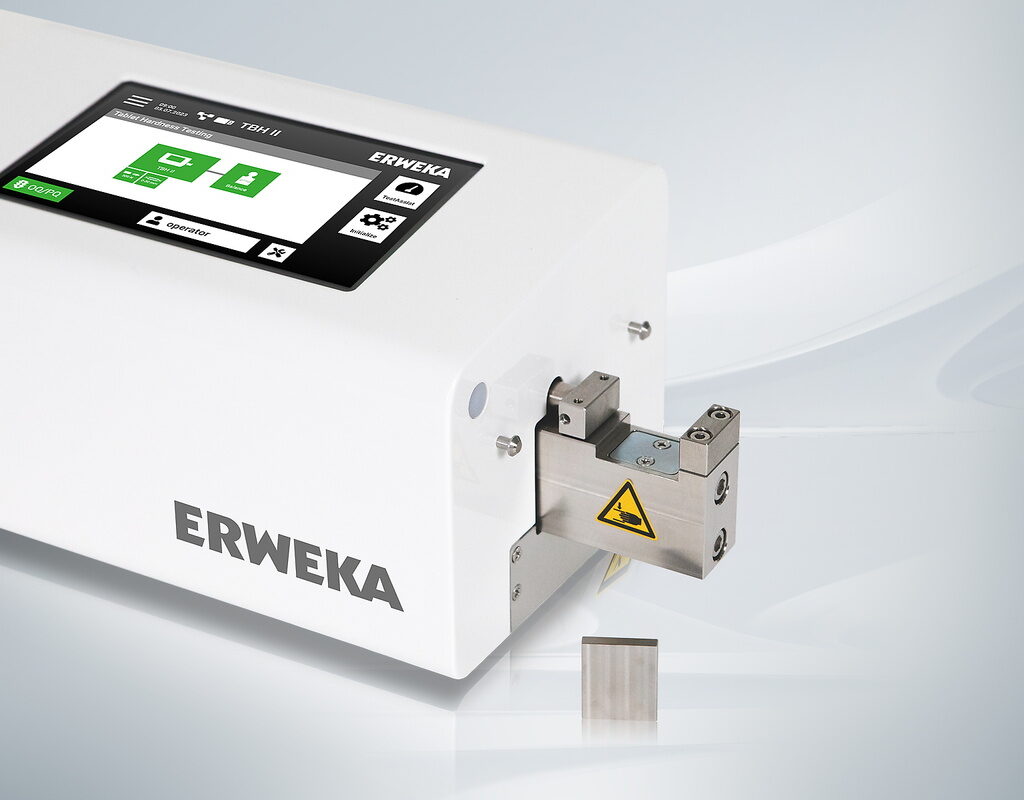
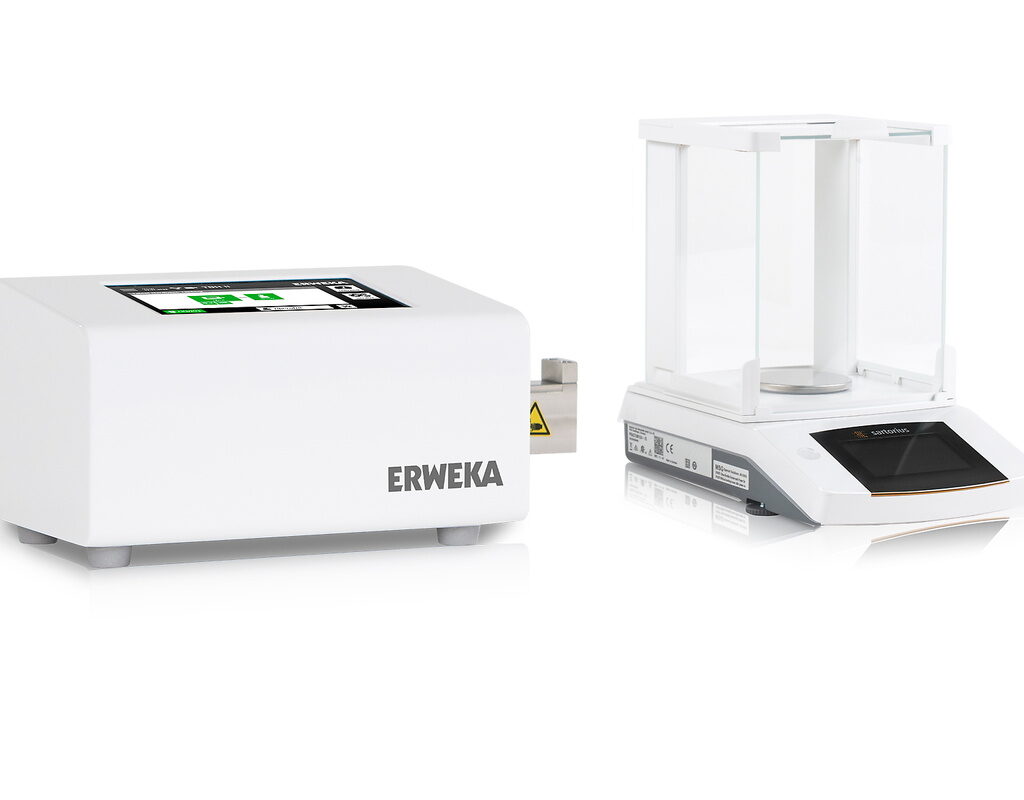
The ERWEKA TBH II redefines manual 5-parameter tablet hardness testing by combining precision, flexibility, and user-friendly operation in one compact device. Built for demanding pharmaceutical quality control and research laboratories, the TBH II delivers accurate, repeatable results across all key test parameters while streamlining your workflow.
With manual measurement the five physical properties – hardness (up to 500 N), thickness, width (for oblongs), diameter (for round tablets) or length (for oblongs), and weight – the TBH II ensures comprehensive, pharmacopoeia-compliant tablet testing. Its modern, top-mounted touch interface offers intuitive guidance through every test step with TestAssist, supported by robust mechanics and an ergonomic, space-saving design.

Comprehensive Manual 5-ParameteTablet Hardness Tester TBH II Key Featuresr Testing

Modern Touch User Interface With TestAssist – Your Hardness Testing Assistant

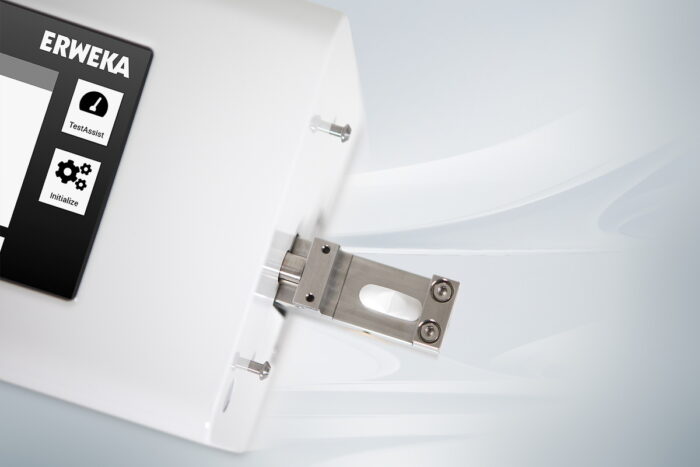
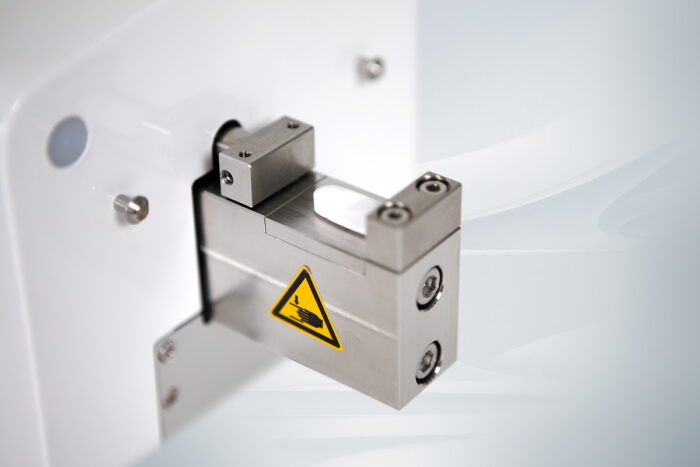
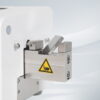
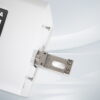
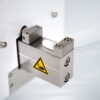
Interchangeable, Magnetic Inserts for Various Tablet Shapes

Advanced User & Test Management

Guided Qualification Workflows
Tablet Hardness Tester TBH II Key Features
- Comprehensive 5-Parameter Testing
- TestAssist With Test Management
- Interchangeable Magnetic Inserts
Easily measure the physical properties – hardness (up to 500 N), thickness, width (for oblongs), diameter (for round tablets) or length (for oblongs), and weight (with optional connected balance) – in one compact device. The TBH II provides accurate, repeatable results for all tablet shapes and ensures full compliance with international pharmacopoeia standards.
TestAssist guides you step by step through the testing process, reducing raining time and minimizing user error. Create, save, and recall test methods and products – tailored to your lab’s needs.
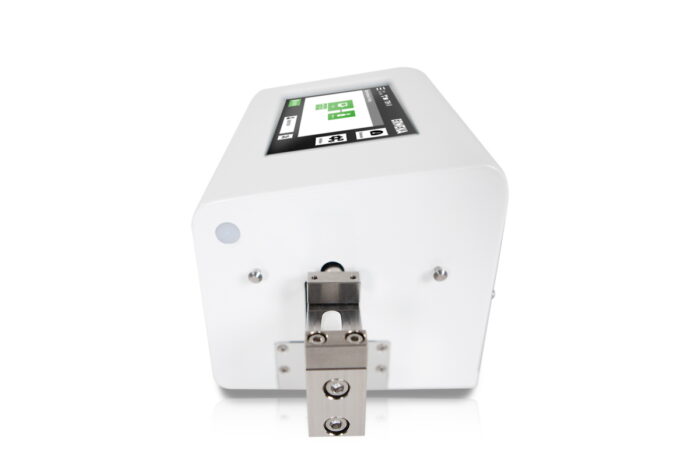
Four interchangeable magnetic inserts (flat / 1 / 2 / 3 mm groove radius) allow secure positioning and precise alignment for various tablet sizes and shapes. The TBH II supports tablets from 1 to 30 mm as standard, with optional, user-changeable breaking jaw available for larger tablets of 30 to 60 mm in size.
TestAssist Step-By-Step With Test Management
TestAssist guides you through every testing procedure in great detail, reducing training time and minimizing user error. Create, save, and recall products and methods with fixed parameters (Batch ID still changeable) for consistent workflows and reliable documentation – tailored to your lab’s needs with test management.
- Choice between quick direct measurement for manual parameter entry or comprehensive general data measurement using previously created products and methods
- Easy access to method and product lists for filtering, exporting and editing
- Up to 100 samples per test
- Up to 100 methods in test management
- Flexible parameter settings, including measurement type and tablet count
- Supports both constant speed and constant force testing modes
- Efficient, step-by-step guidance
User Management Simple, Structured Access for Every User
The TBH II offers clear and efficient user management that allows you to create up to 100 individual users with custom access rights. Administrators can easily assign, modify, or revoke user permissions, ensuring that each team member has access only to the functions they need. Users can be deactivated or deleted at any time, keeping your system organized and up to date.
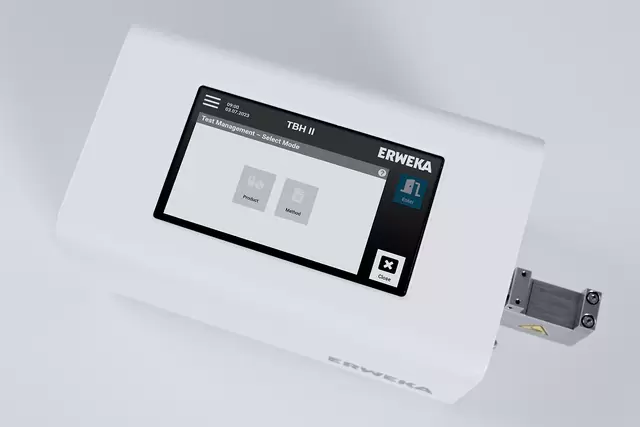
Test Management
Create, save, recall, filter, export, edit, deactivate, or delete methods and products for full control and flexibility in your testing routines.

User Management
Manage up to 100 users with custom access rights, ensuring each team member has structured, secure access to only the functions they need.
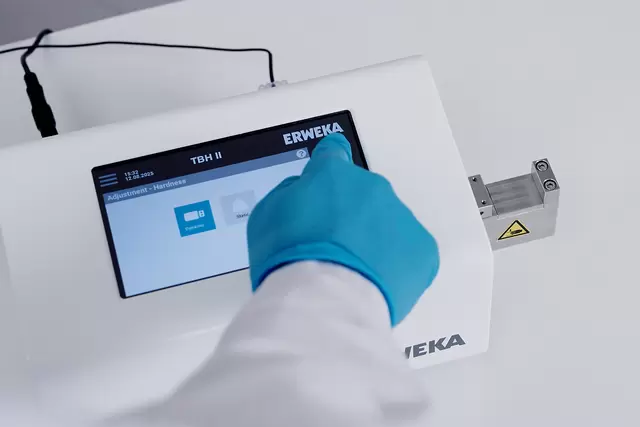
Qualification Menu
Guides users step by step through calibration, adjustment, and weight check directly on the touchscreen, ensuring thorough and systematic qualification. Benefit from fast, electronic calibration with AutoCal 2.0.
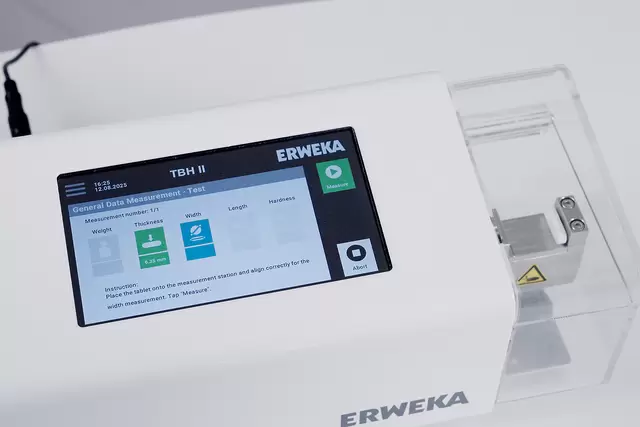
TestAssist
Step-by-step, on-screen guidance for every test—choose between quick Direct Measurement for immediate test runs or comprehensive General Data Measurement using methods and products, previously created in the Test Management menu.
Qualification Easy Step-by-Step Approach
The TBH II’s qualification menu guides users through all essential qualification tasks – including calibration, adjustment, and weight check – directly on the touchscreen. Each step is presented clearly, allowing users to define calibration points and systematically calibrate every relevant parameter. The certified AutoCal 2.0 system offers convenient, electronic calibration—no measurement weights required; simply connect AutoCal 2.0 to the TBH II’s USB port and perform adjustment or calibration directly via the intuitive touch display. After completing any qualification procedure, a comprehensive summary provides a clear overview of the results and actions taken. This summary can be easily printed or exported for documentation and record keeping.
Smart Collection Container With Automatic Test Continuation
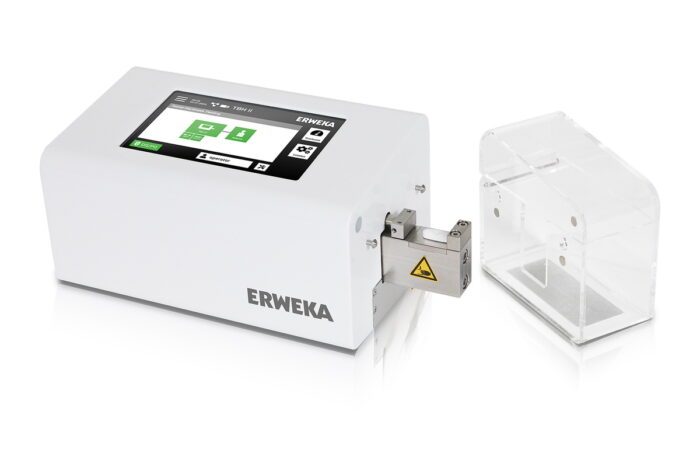
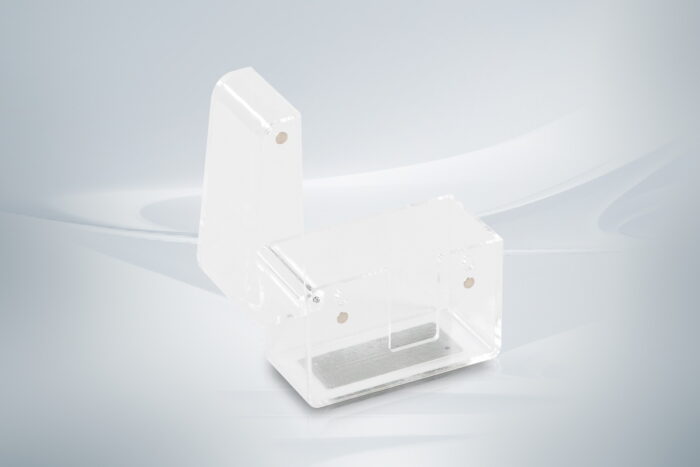
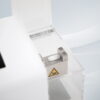
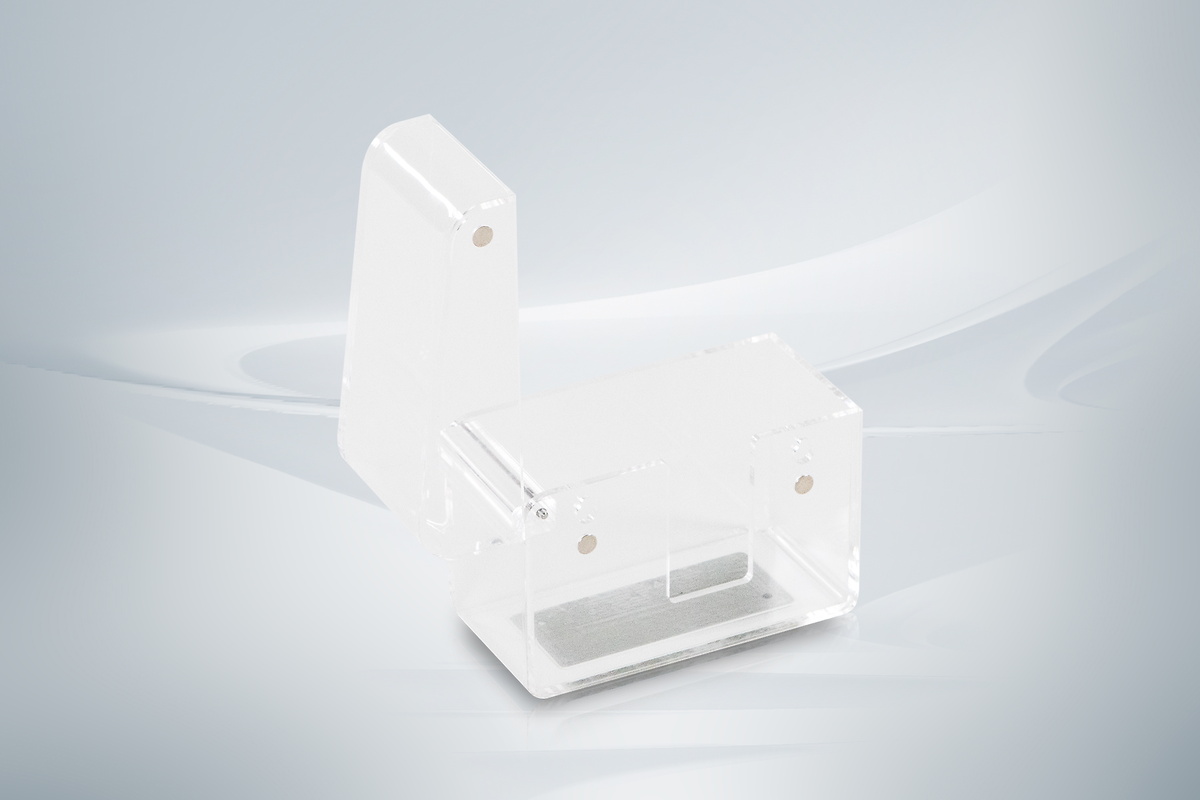
The transparent smart collection container fully encloses the breaking station, containing all tablet fragments and particles for a clean workspace. Its lid sensor detects when the lid is closed and automatically continues the test. Simply set pauses, if you need more time between the test steps.
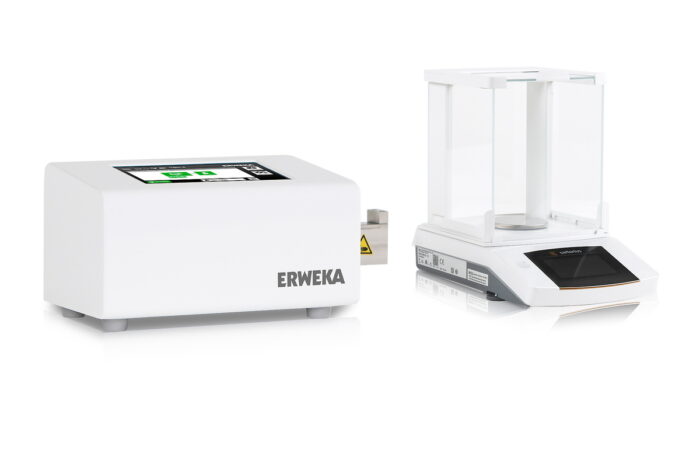
Intelligent Balance Connection With Automatic Data Transfer
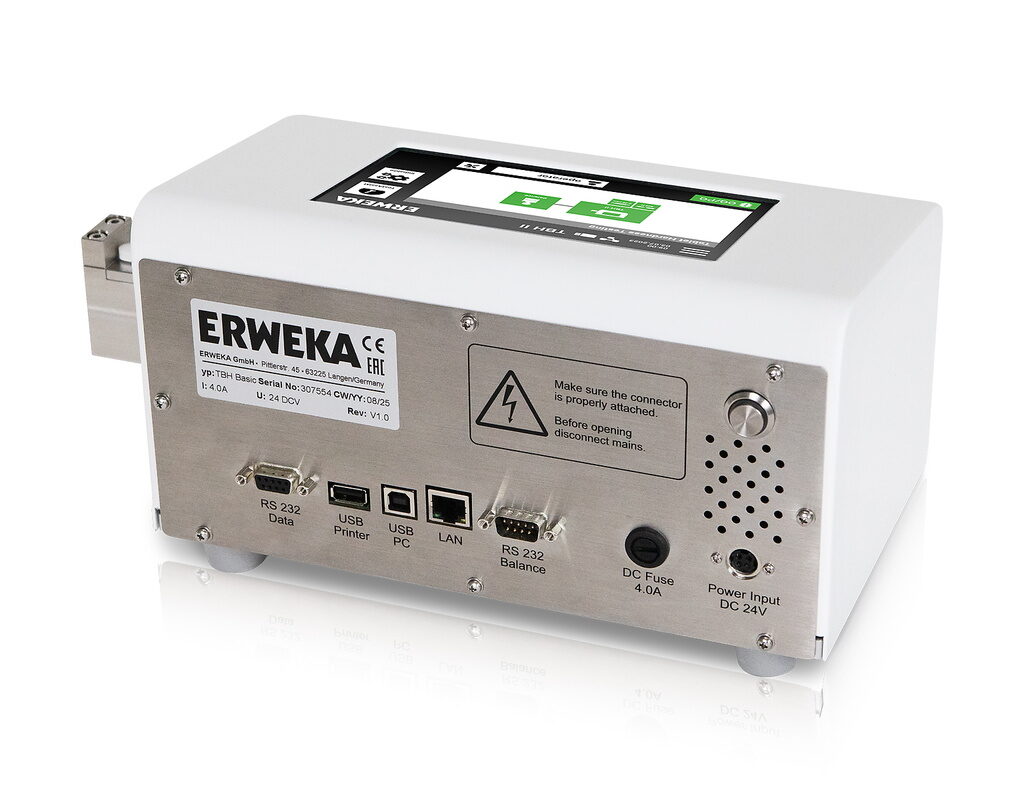
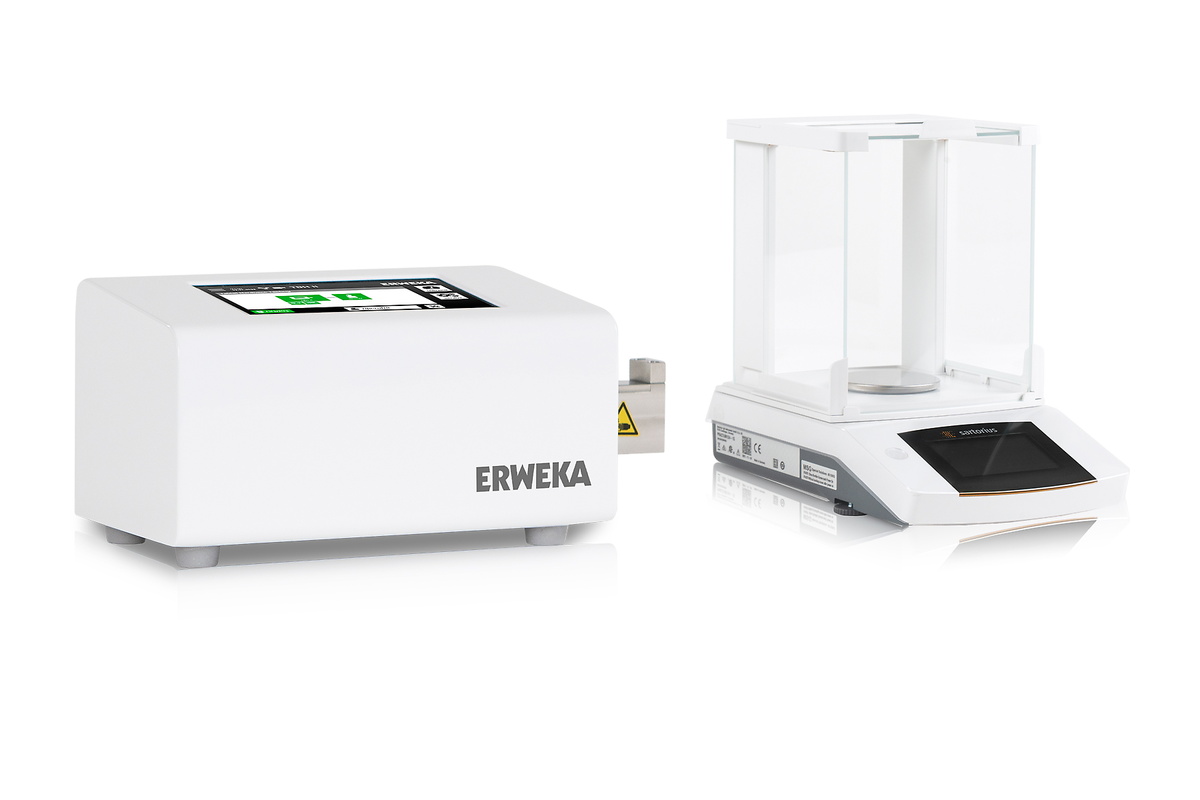
The TBH II integrates with external balances for precise tablet weighing. Once the balance is connected, each tablet’s weight is automatically captured and transferred to the device, ensuring accurate results and eliminating manual entry.

Seamless Export Options With ERWEKA Export Manager
The TBH II works with ERWEKA Export Manager software for fast, straightforward export of test reports to your lab network as PDF or XML files. Users can define storage locations, and each file is clearly named for easy management and compliance. The software streamlines workflows and integrates multiple supported devices for Export Manager into your digital environment.

Tablet Hardness Tester TBH II Options
- Four interchangeable, magnetic inserts (flat, 1 / 2 / 3 mm groove radius)
- Optional tablet holder for tablet dimensions up to 60 mm
- AutoCal 2.0 for convenient electronic calibration
- Export Manager software for network data export